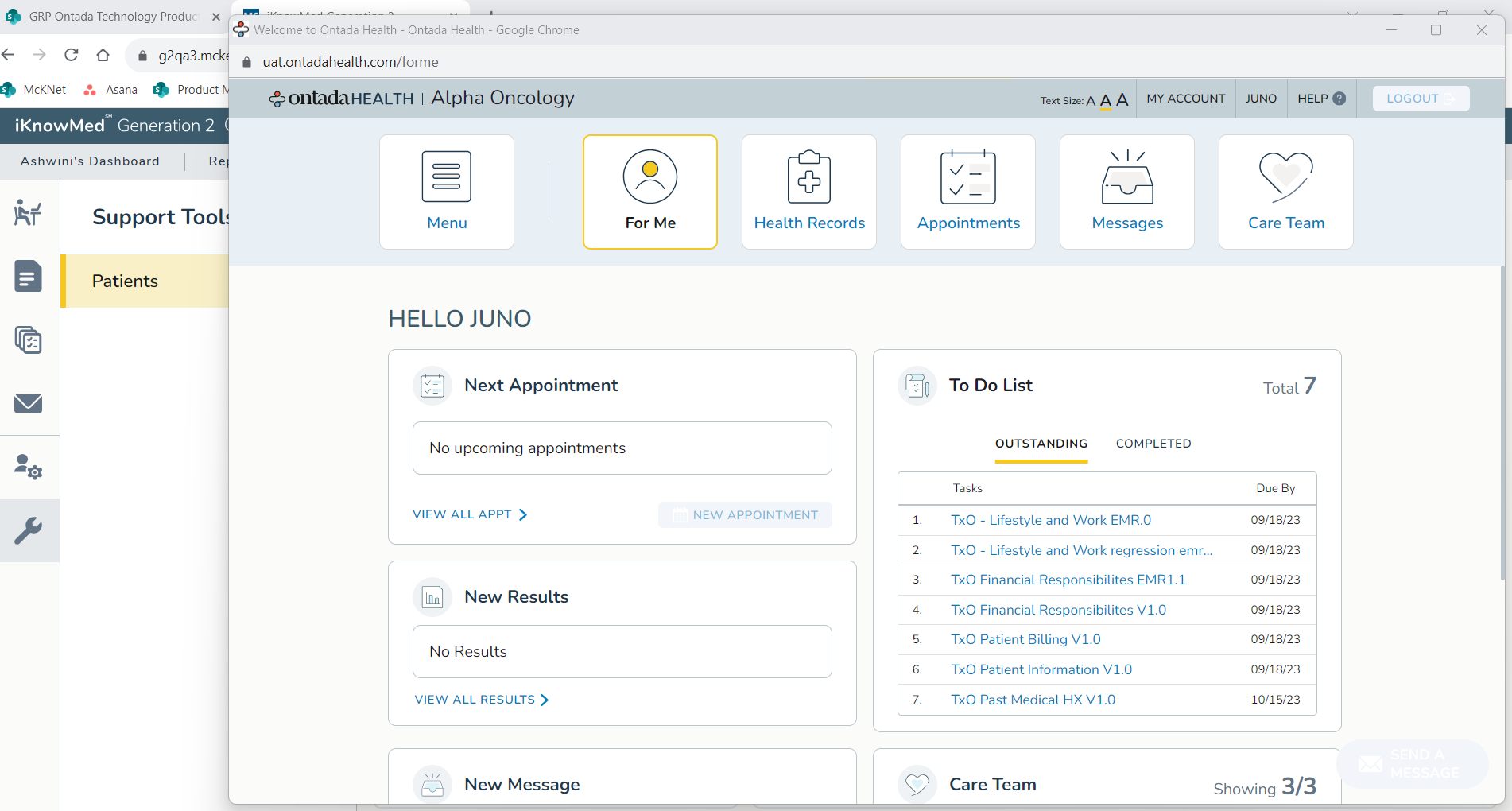
Enhanced Support Tools queue provides view of patient’s portal account Copied
We updated the Support Tools queue to allow your practice to view a read-only version of each patient’s Ontada Health account. This will help your staff support patients reporting issues with the portal by providing insight into what the patient sees so they can assist in resolving any issues.
NOTE: To access this feature, please contact your Account Manager for the necessary permissions update.
To access this feature:
- Go to the Support Tools queue.
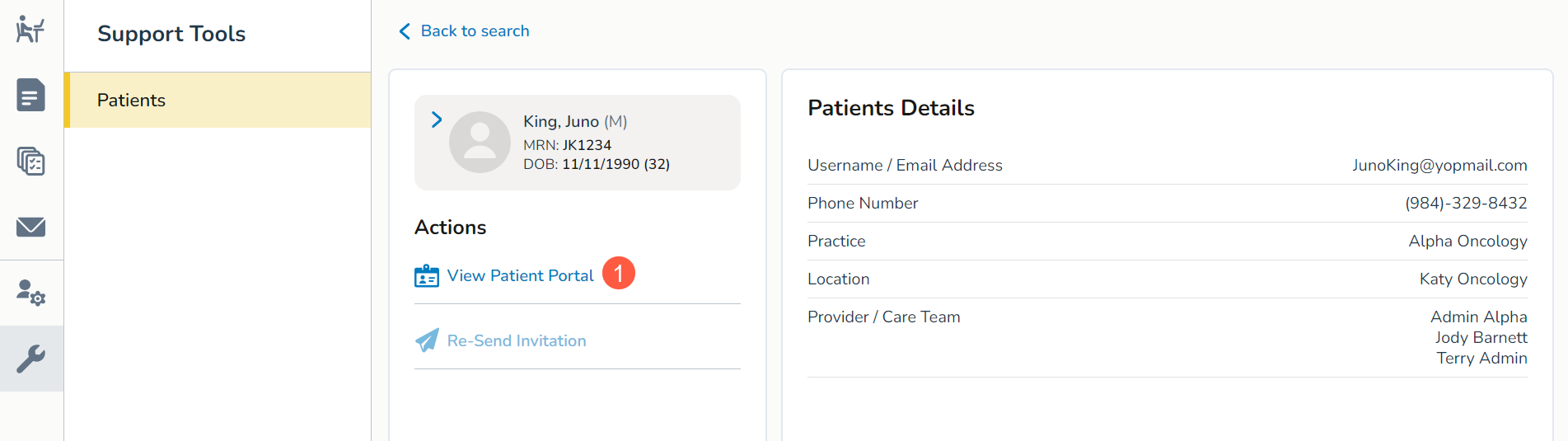
- Locate a patient and open their portal details.
- Click the View Patient Portal option under Actions (callout 1).
- This will launch a pop-up window that displays the patient’s Ontada Health account, allowing you to help troubleshoot issues across the portal.