Continued access to My Care Plus Copied
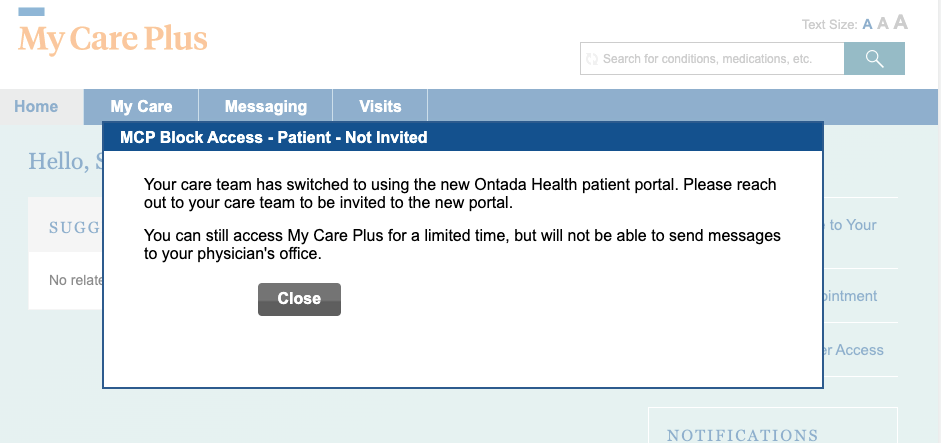
Once a practice migrates to Ontada Health, patients will still have read-only access to My Care Plus. When logging into My Care Plus, patients will see an updated notification informing them about the practice’s move to Ontada Health.
Depending on a patient’s enrollment status in Ontada Health, they will see one of three different pop-up messages.
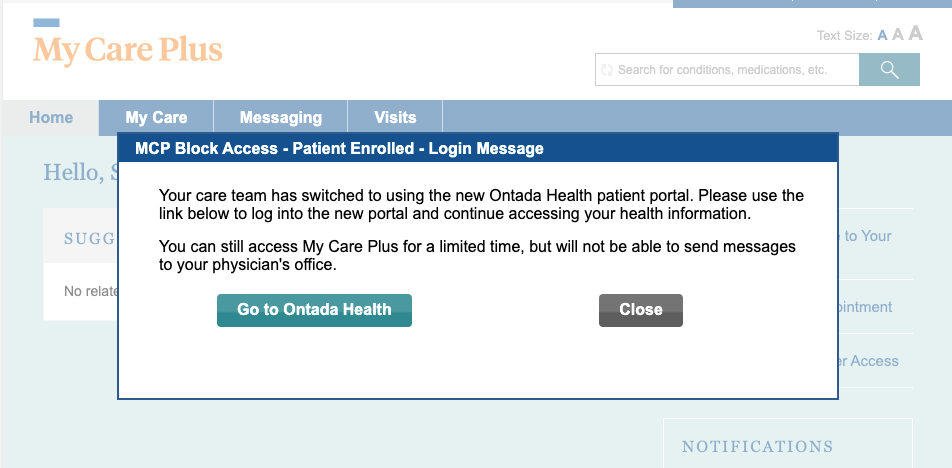
Patient Invited, enrolled in Ontada Health
The patient can click Close to continue to My Care Plus or Go to Ontada Health to be presented with the Ontada Health login screen.
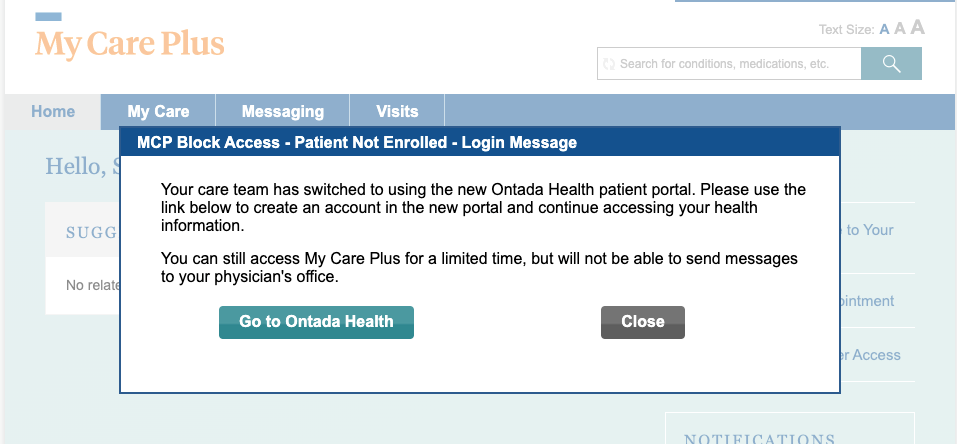
Patient Invited, NOT YET enrolled in Ontada Health
The patient can click Close to continue to My Care Plus or Go to Ontada Health and will be prompted to create a password for their Ontada Health account.
Patient invited, invite expired
The patient can click Close to continue to My Care Plus or contact their practice to have a new invite sent for enrollment in Ontada Health.