
Appointment cancellation via SMS Copied
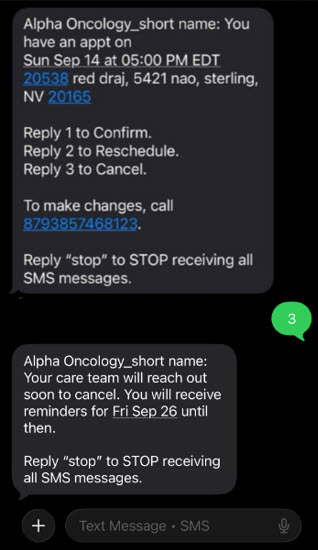
If a patient cannot make an appointment, they can also reply to the SMS reminder with ‘3’ to cancel.
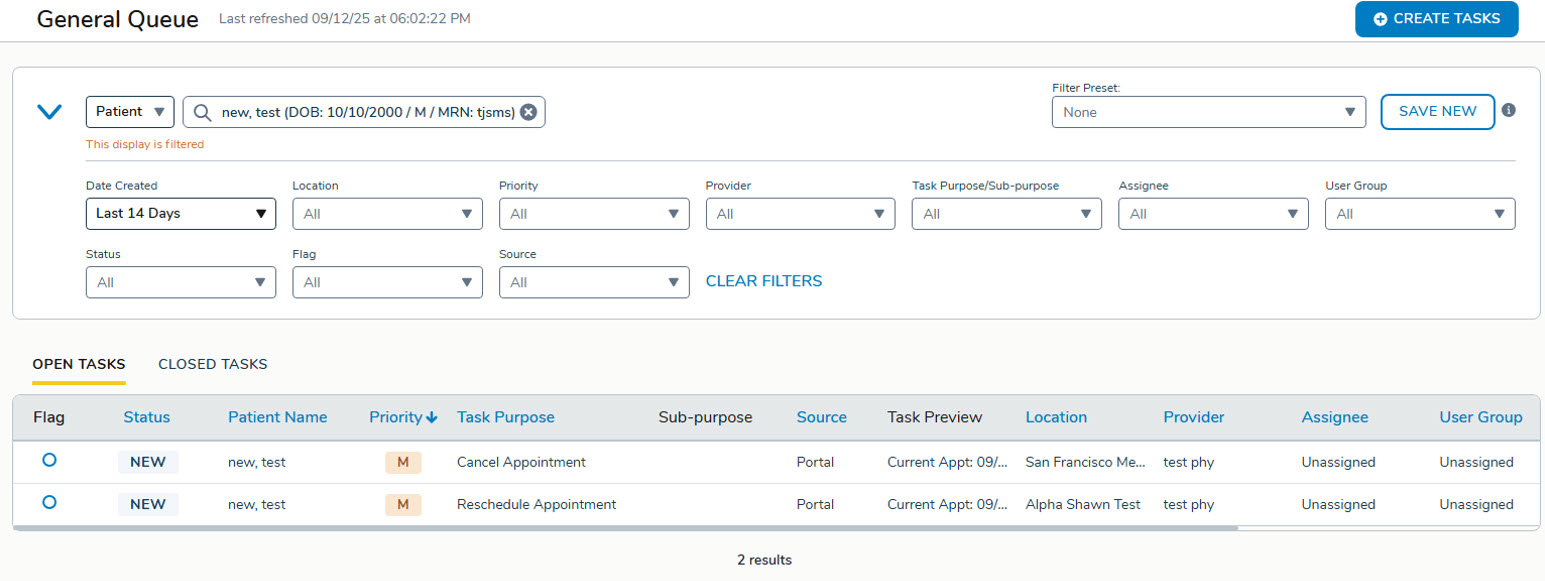
A cancellation task is created in the General Queue so your staff can be alerted that they must cancel the appointment.
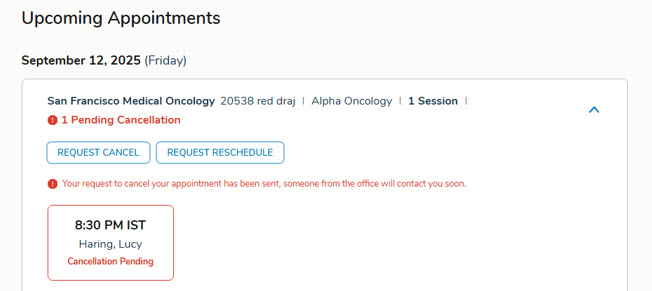
In the patient portal, the affected appointment is highlighted in red and marked as pending with the message: “Your request to cancel your appointment has been sent. Someone from the office will contact you soon.” Once the task is completed, the pending status is automatically cleared.
Related Articles: