Help menu updates Copied
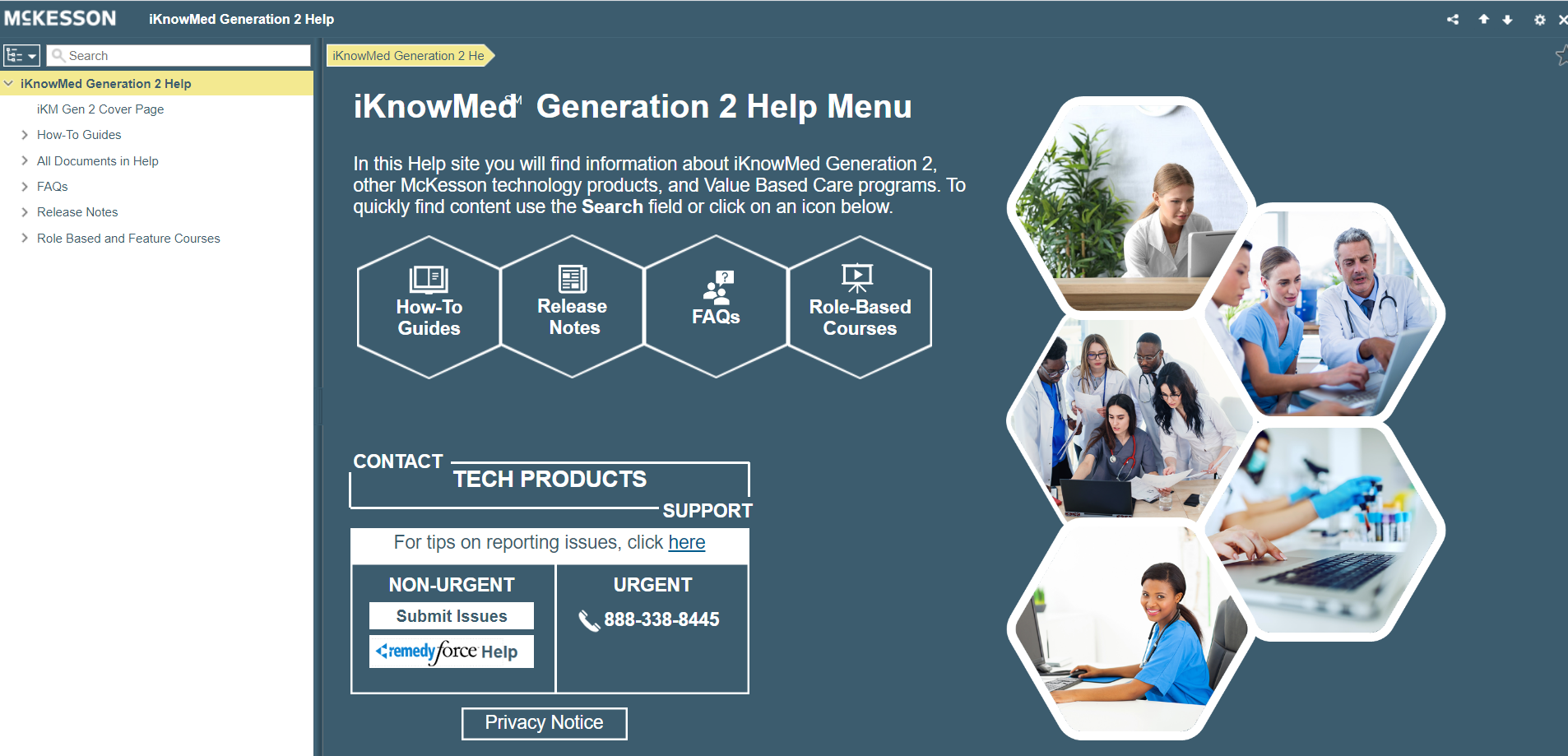
In an ongoing effort to improve your experience with the Help menu, we modernized the look and feel of the site with an updated visual design, including color and button changes.
You can now use the images and buttons on the Welcome page to easily access each product’s information page. You can also access the main sections of the Help menu using the images and buttons on the iKnowMed Generation 2 home page.
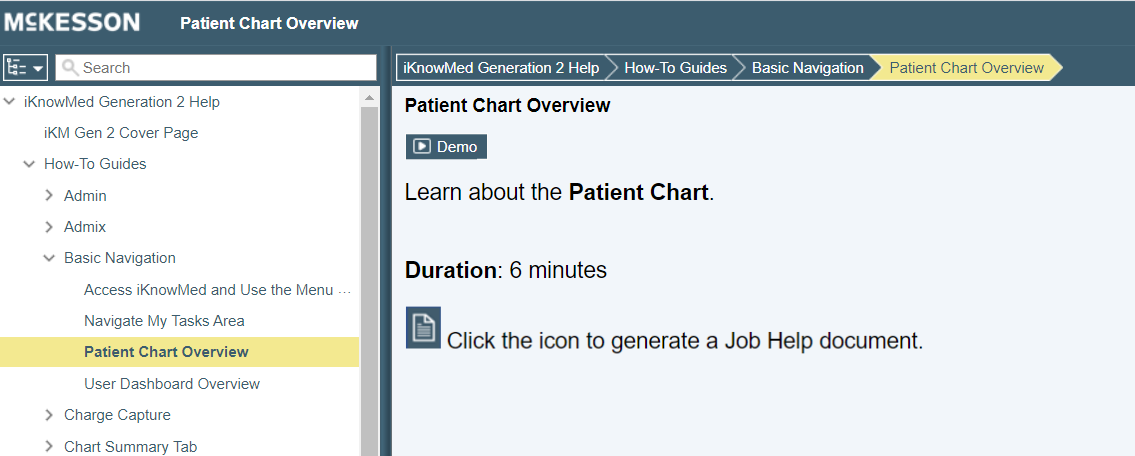
Please note that although the visual design has changed, the navigation and content remain the same.
Over the coming months you will see additional improvements, and we welcome your feedback. Take the brief Help Menu Survey below to let us know what you think of the new design. We thank you for your feedback in advance.