View multiple documents simultaneously Copied
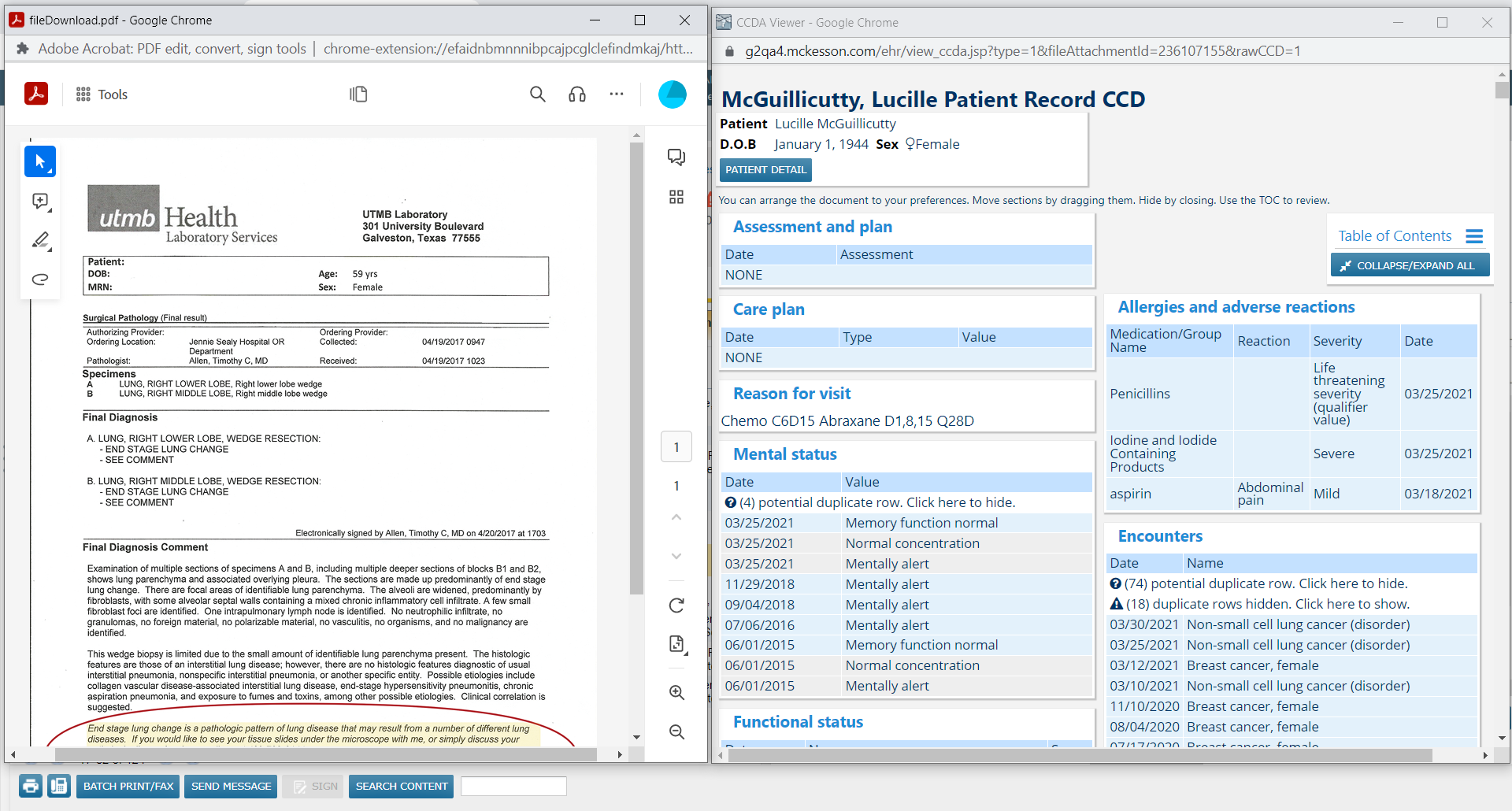
You can now open multiple documents, such as items scanned or attached, for a patient and review them side-by-side on one screen in the Documents and Results tabs.
NOTE: You must change your browser’s settings to allow pop-ups to appear on your screen if you wish to simultaneously view more than one document from iKnowMed. You may have to log out and back in for these changes to take effect.
To use this feature:
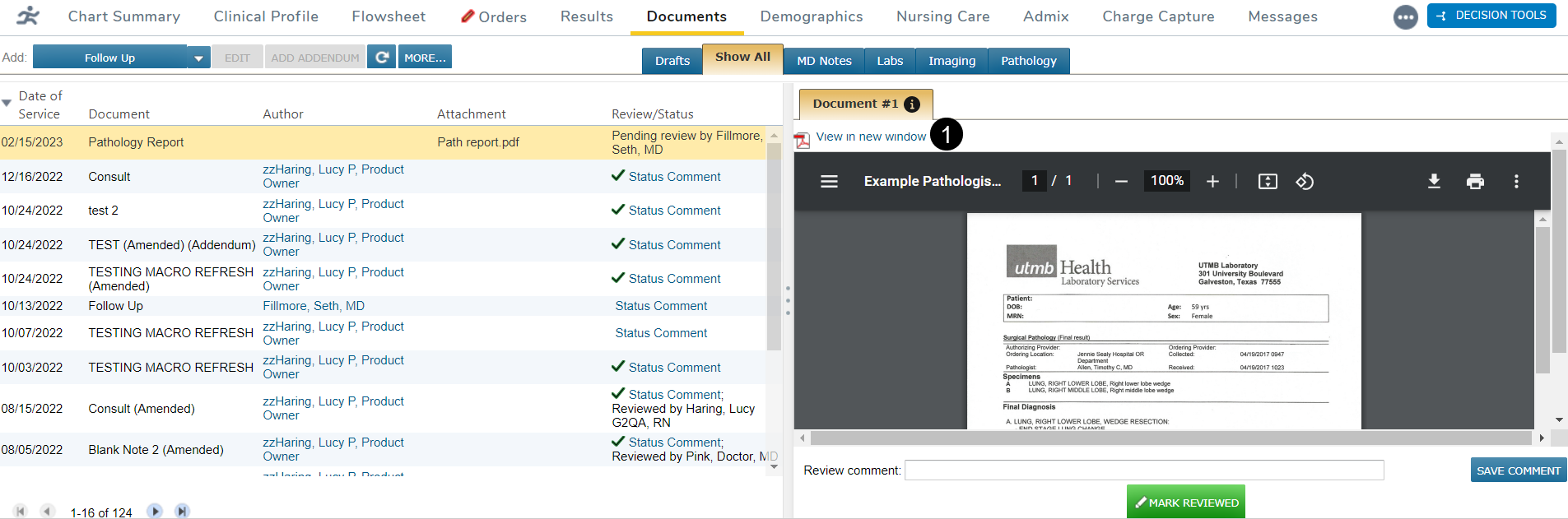
- Locate your document and click the View in new window link (callout 1) to open the document.
- This window will remain open while you locate the next document. Minimize it or move it around as needed for a better view of your screen.
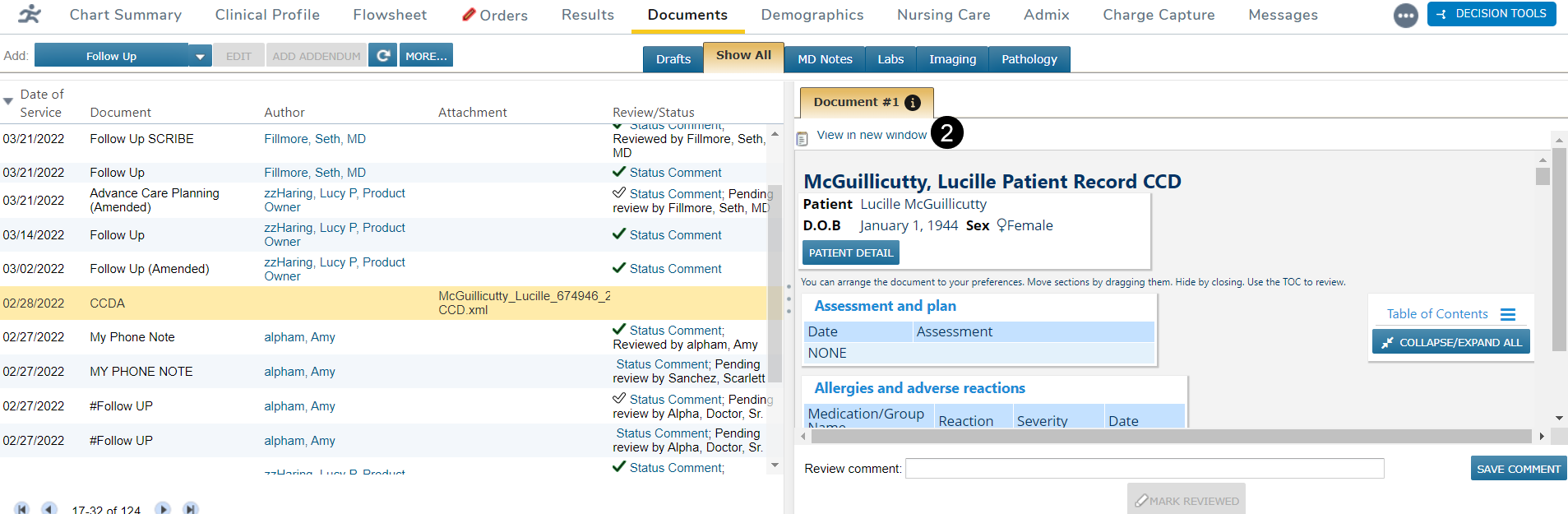
- After locating the second document, click that document’s View in new window link (callout 2) to open it in another window.
- Click on each window and drag them side-by-side on your screen to easily compare the information. Once the comparison is complete, each window must be closed manually.