
Third-Party Application Activity Log Copied
What’s changing
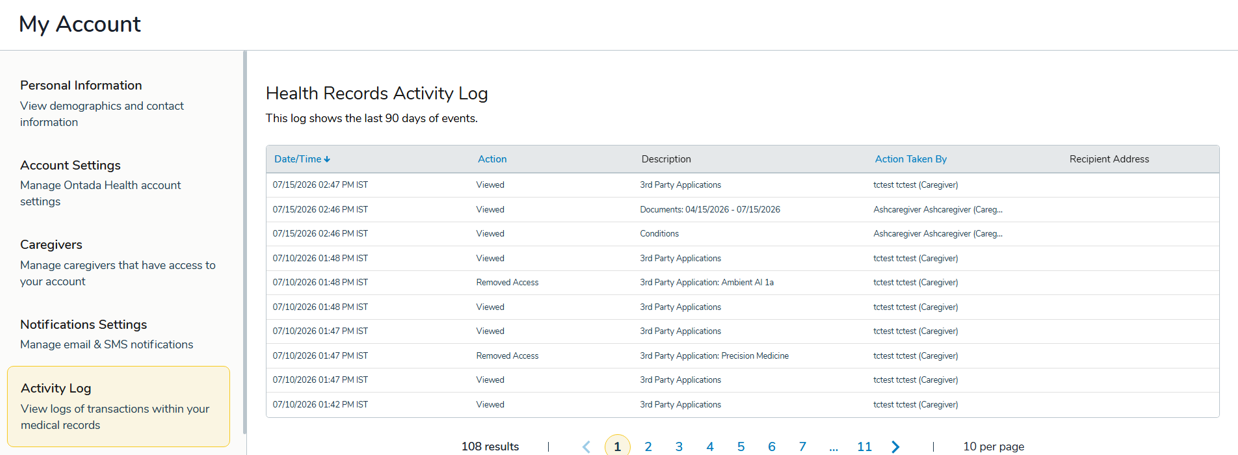
Patients, caregivers, and practice staff can view an audit log for third-party applications by navigating to My Account > 3rd Party Applications > Activity Log in the Ontada Health patient portal.
This log captures the actions taken related to third-party app access, giving users visibility into that activity directly within the Health Records Activity Log.
Why this matters
This gives patients and their caregivers more transparency and control over who or what has interacted with their health data through third-party app connections.