Share clickable links in patient messaging Copied
Ontada Health now supports clickable hyperlinks in messages exchanged between practices and patients.
For practices
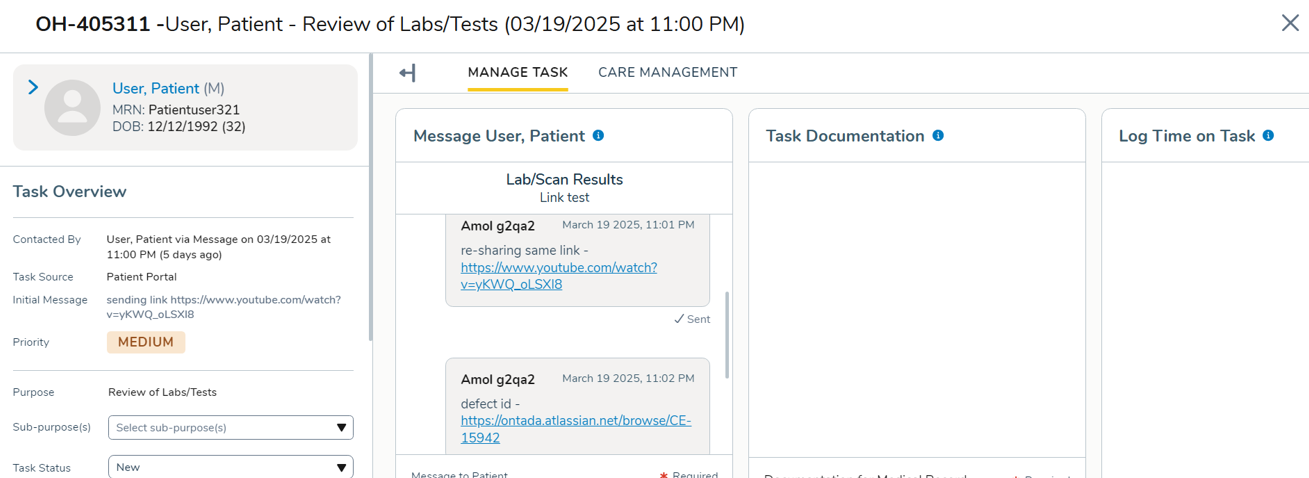
Practice users can now include URLs in messages sent via the admin tools. When a URL is typed or pasted into a message, the system will automatically convert it into a clickable hyperlink.
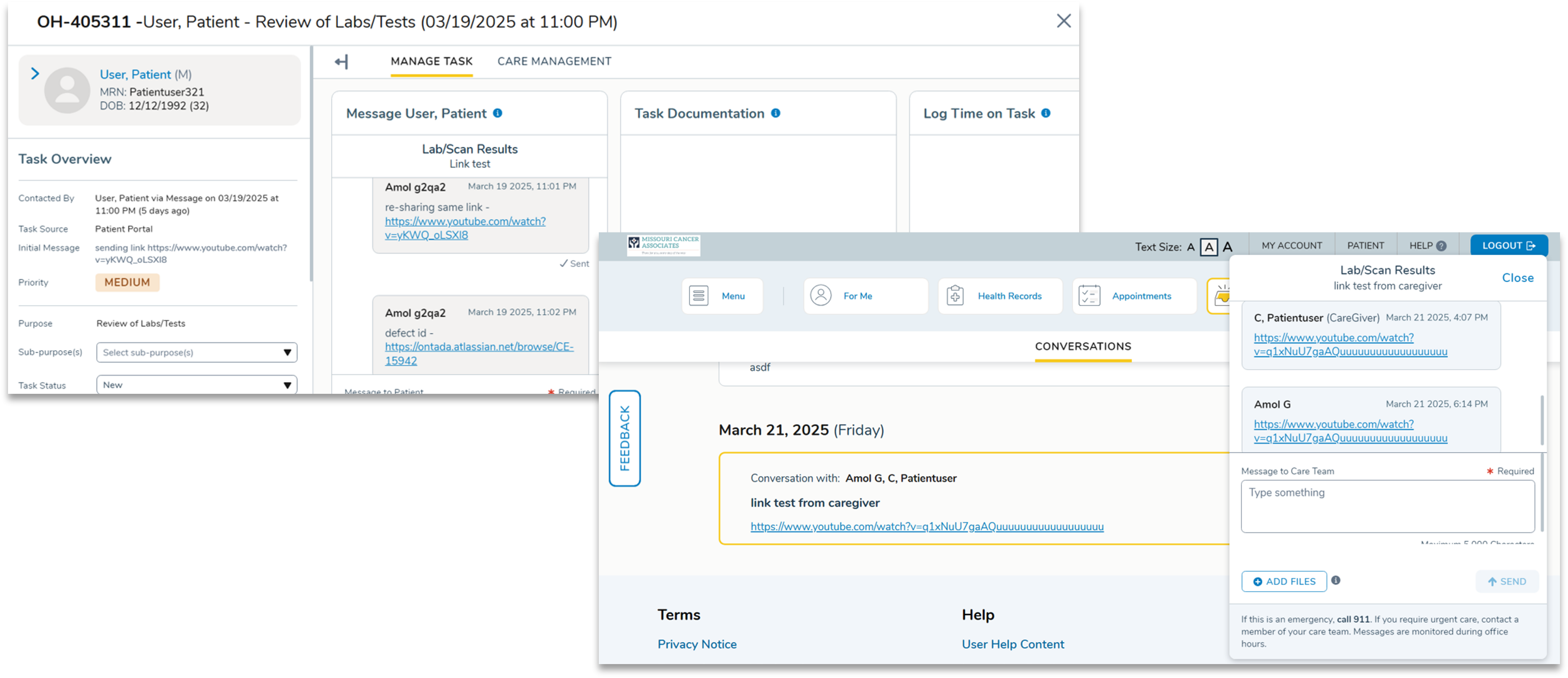
When patients receive the message in the portal, they can simply click the link to open the resource. The link will open in a new browser window, allowing patients to access the resource while keeping the portal session active.
For patients
Patients can also include hyperlinks in messages they send to their care team through the portal.
Practice users can view and click these links directly in the message through the admin tools (e.g., in the task). The link will open in a new browser window, allowing users to access the resource while keeping the task open.