Set Practice Limit on Open Charts Copied
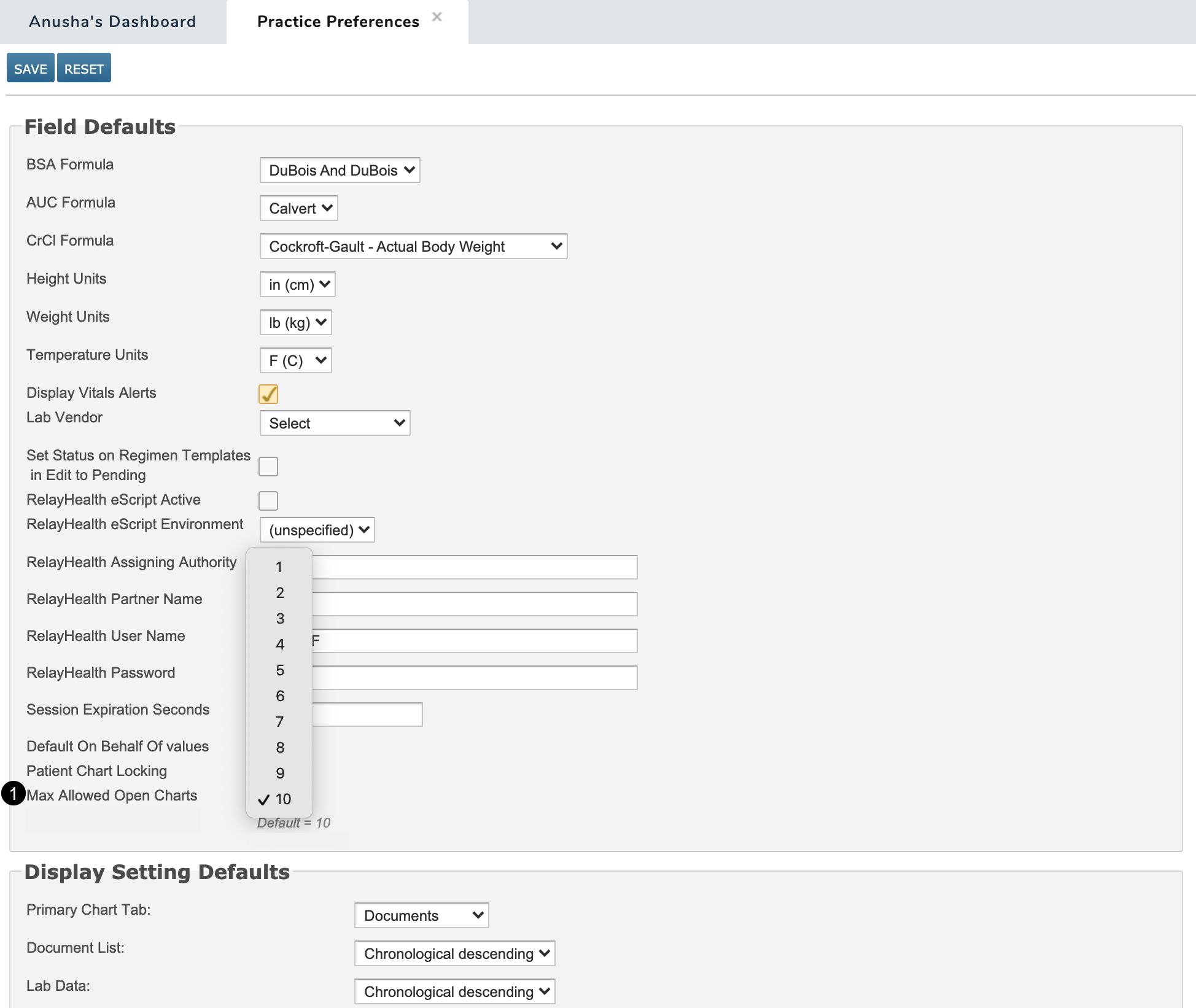
Practices can now limit the number of charts users are permitted have open at one time to reduce the risk of entering orders or documentation into the wrong chart.
To set this limit at the practice level:
-
Go to Admin > Practice Preferences.
-
Under the Field Defaults section, set the Max Allowed Open Charts option to the desired limit (see callout 1).
-
SAVE your changes.