Print Multiple Messages in the Message Center Copied
Print Multiple Messages in the Message Center
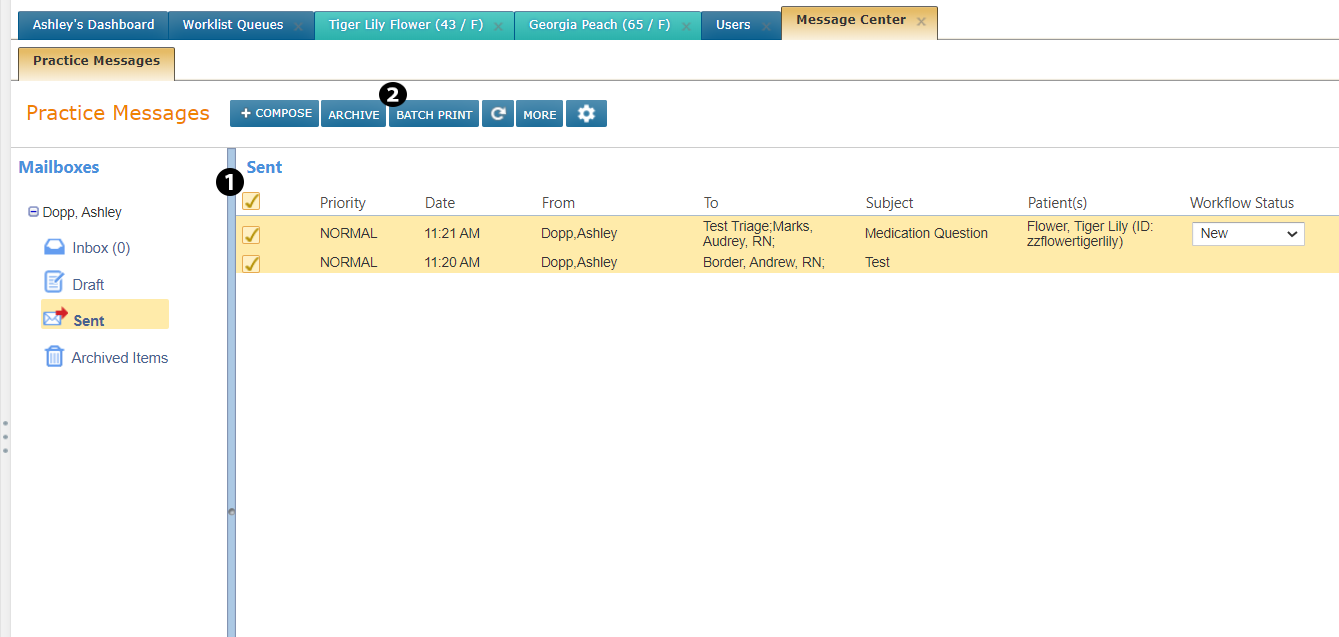
You can now print multiple messages from your Inbox, Draft, Sent, or Archived Items folders in the Message Center. Manually select the different items you want to print or check the box in the upper left corner (see callout 1) before clicking the BATCH PRINT button (see callout 2). This will print all your items together at once.