Prevent users from removing a signed clinical note from a patient chart Copied
We’ve tightened security around signed clinical notes, making it impossible to remove a note from a patient’s chart once it’s been signed. The rules have not changed if a note is amended or has an addendum, but once it’s signed, it cannot be removed.
The note’s original author can still remove text from an unsigned note if it is no longer needed by selecting the Edit button, removing the text in the note, and saving the changes.
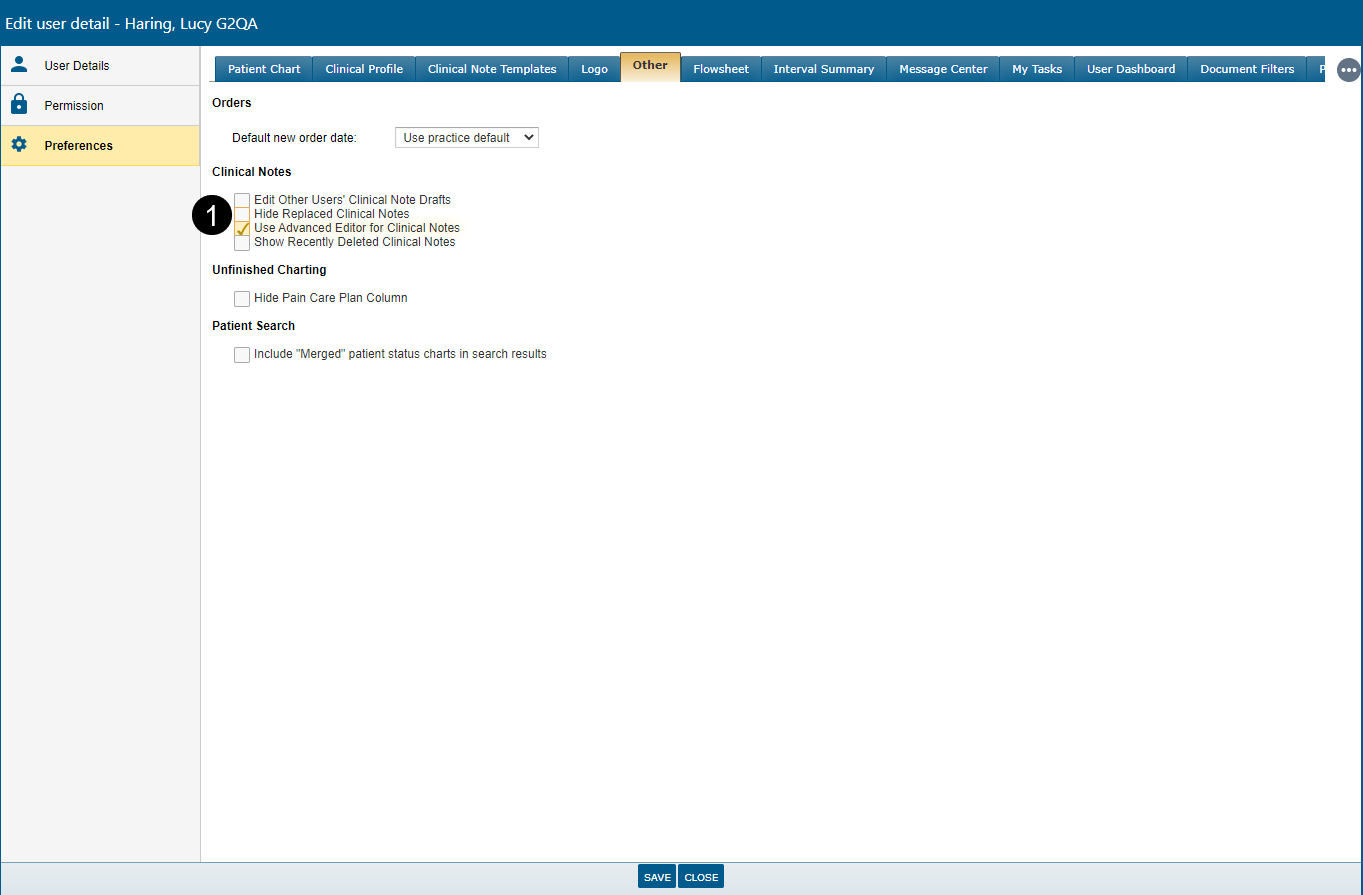
Users can also hide previous versions of notes by visiting their user settings, going to Preferences > Other, and checking the Hide Replaced Clinical Notes setting (see callout 1).
This setting removes all versions of the note except for the most recent. Unchecking this setting allows users to see the original version and all amended versions of a note.