
Orders Queue: Billing designations display on printed orders Copied
What’s changing
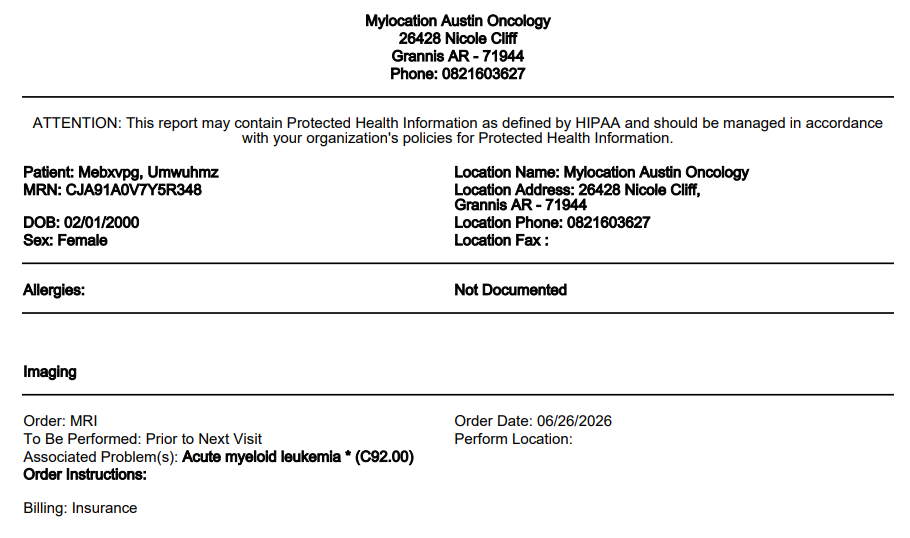
When printing an order from the Orders Queue, the billing designation will appear on the printed output. This applies to both medication and non-medication orders.
For medication orders, the Bill field value will display when set to:
- Do Not Bill
- Do Not Bill Administration
For non-medication orders, the Bill field value will display when set to:
- Insurance
- Research
- Do Not Bill (Other Reason)
Additionally, the Orders Queue will support printing medication orders, a functionality that was not previously available.
Why this matters
Staff working in the Orders Queue will have complete billing context on every printed order, whether medication or non-medication. And with medication order printing supported directly from the queue, fulfillment teams won’t have to navigate elsewhere to get what they need.