New Clinical Note Macro Displays Author of the Note Copied
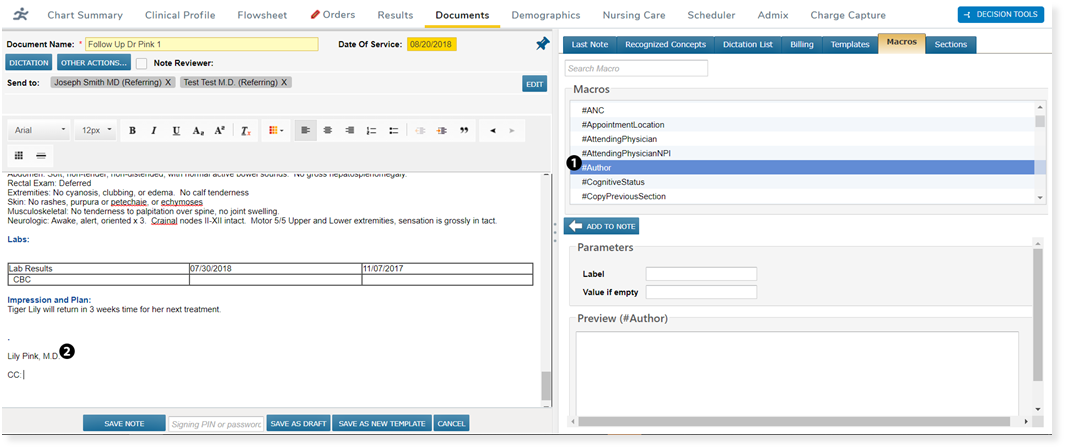
A new clinical note macro is available. The #Author macro can be used to display the note’s author on the note (see callouts 1 and 2). The author’s first, middle, and last name, along with their credentials, will appear based on the information saved in their user profile (see callout 2). If another user is later assigned the Author role, the note will then display that person’s name and credentials once the note is refreshed.