
New Attach Documents Worklist Queue Productivity Report Copied
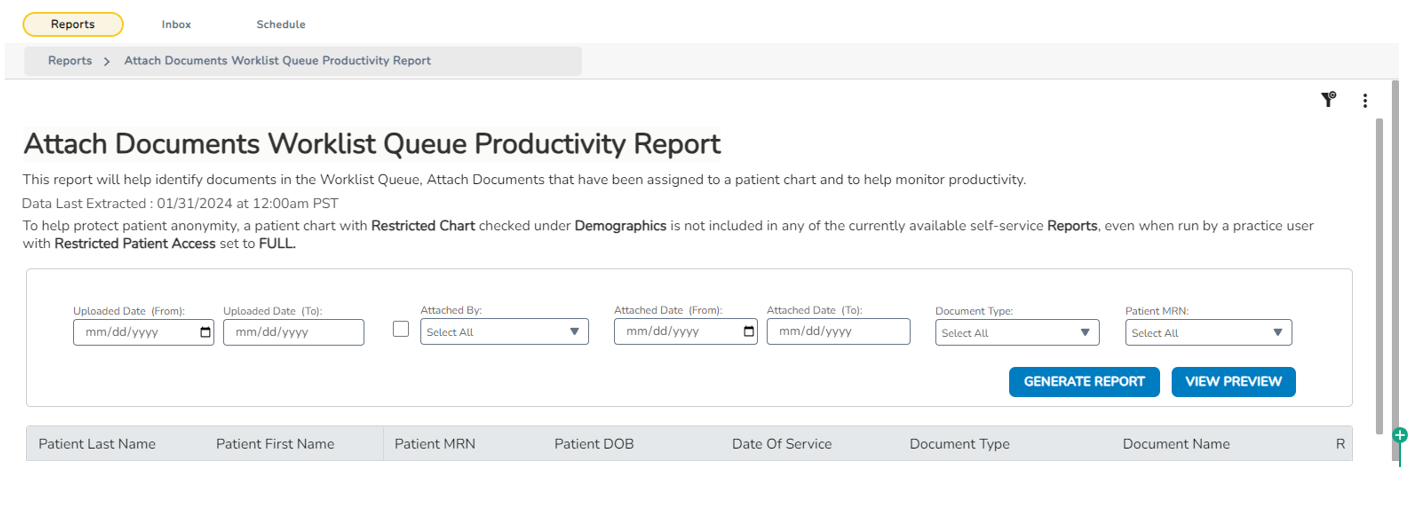
Users with Full Reports permissions in Administration or Office Manager roles can now access the Attach Documents Worklist Queue Productivity Report. This report aids in monitoring productivity by identifying documents in Worklist Queues > Attach Documents that have been successfully assigned to a patient chart.
NOTE: When systems upload documents directly to patient charts in iKnowMed, such as the iKnowMed Document Listener, Navigating Care, and others, they do not show who Attached the document and when. Only Upload information will display.