
More accurate empty state messages for appointments Copied
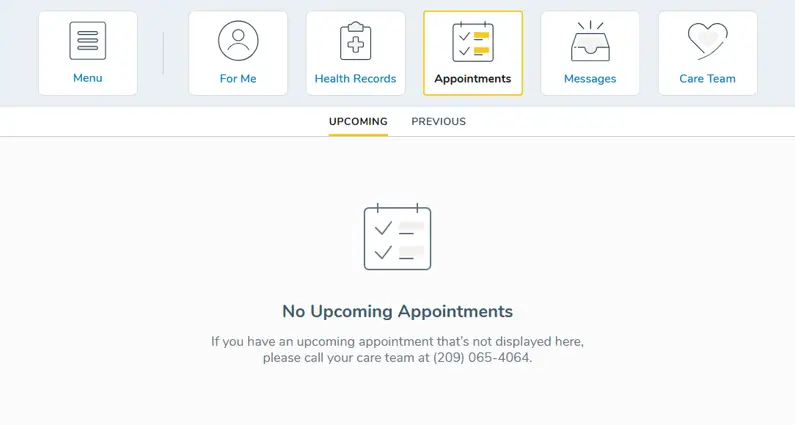
When patients navigate to the Upcoming appointments or Previous appointments pages and have no appointments to display, they’ll see an updated message letting them know and directing them to contact their care team.
What’s changing
The phone number shown in the empty state message will pull directly from the number your practice has on file under Admin > Locations in iKnowMed. If no number is listed there, it will default to the Ontada Health Technical Support phone number.
Why this matters
Previously, patients with an empty appointments page didn’t see a phone number to contact their practice. This update ensures patients always reach the right care team when they need help and gives your practice control over the contact information patients see.