Filter the Patient Search widget by attending provider Copied
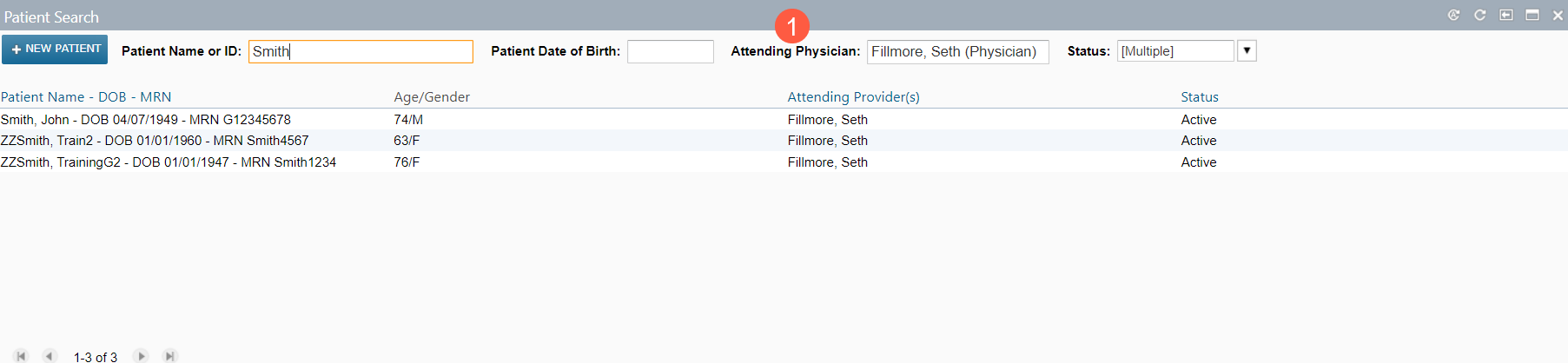
To facilitate locating patients for the appropriate attending provider, a new filter and sort function has been added to the Patient Search widget on the dashboard.
To use this feature:
- Navigate to Dashboard > Patient Search.
- Enter the name or date of birth of the patient.
- Enter the name of the attending physician in the new Attending Physician field (callout 1) to run the search.