Easily invite patients to join the Ontada Health portal Copied
Once your practice’s access to Ontada Health is turned on, you can use iKnowMedSM Generation 2 to easily invite patients to join the Ontada Health portal.
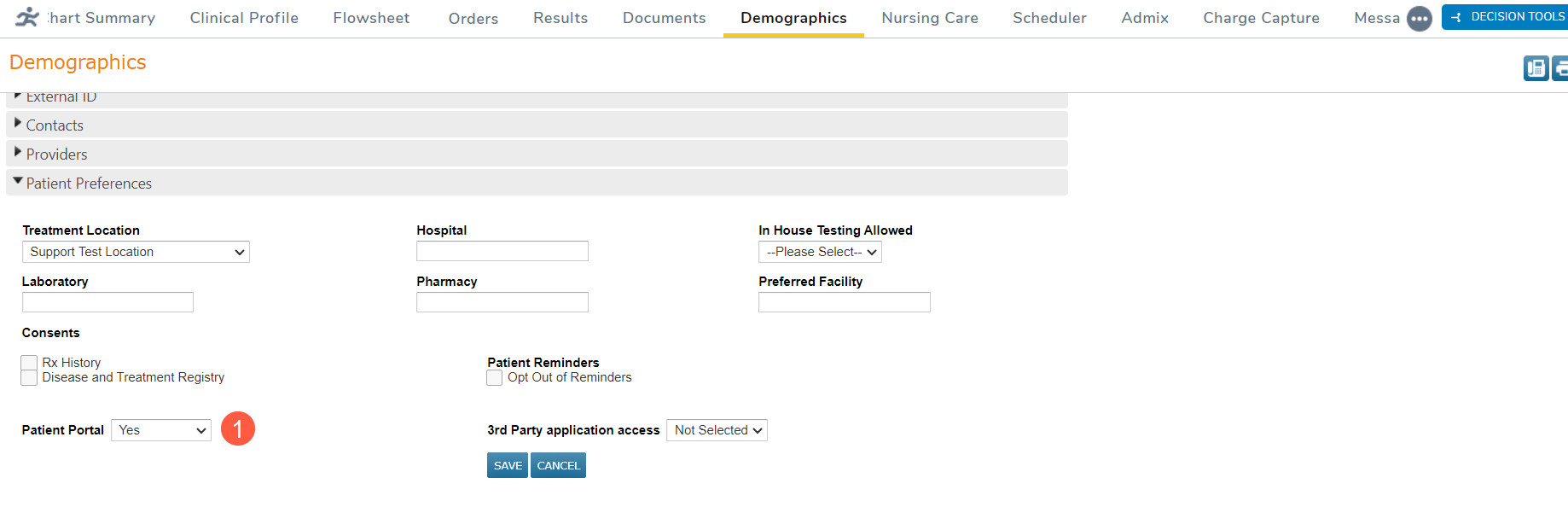
For new patients or patients not currently enrolled in a patient portal, go to the Demographics tab, and change their Patient Portal setting to Yes (callout 1).
For existing patients already enrolled in a patient portal, please contact your Ontada Account Manager for assistance manually inviting the patient to join Ontada Health.