Document Disability Status in Demographics Copied
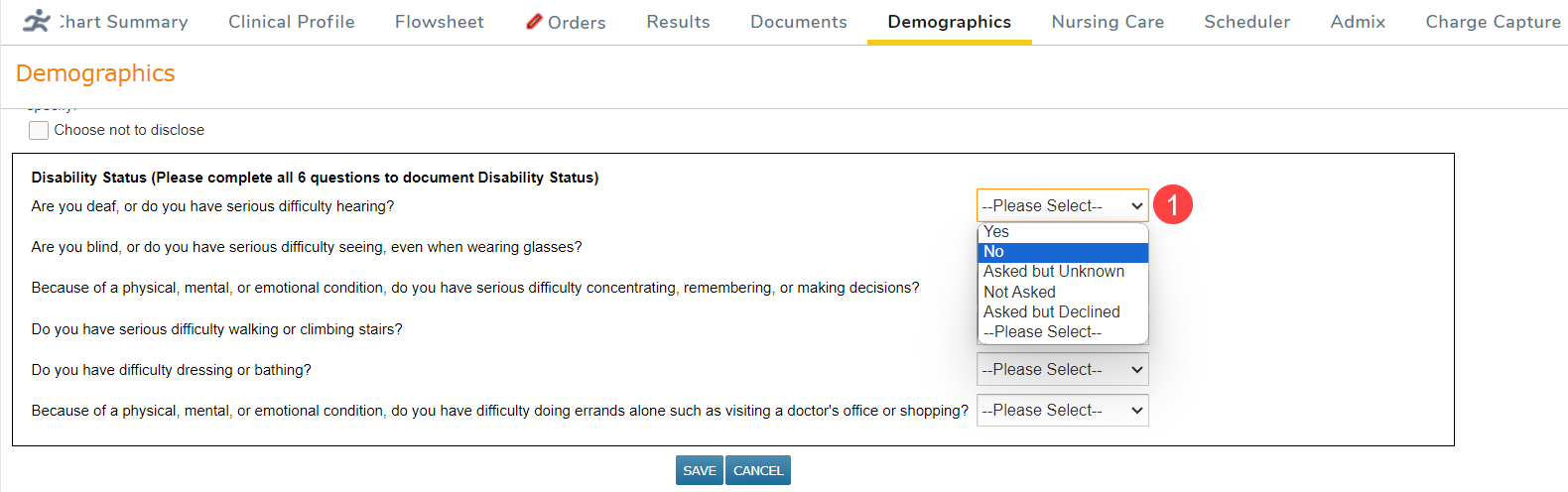
A new area to document disability status has been added to Demographics. The six disability status questions and possible answers can be saved for each patient and can be reported on for the new reporting period. The questions have the same possible answers, and all must be answered for disability status documentation to be complete.
To document Disability Status for a patient:
- Open the patient’s chart and navigate to Demographics.
- Scroll to the Patient Information section and click Edit.
- For each Disability Status question select an answer from the drop-down (callout 1).
- Save your changes.
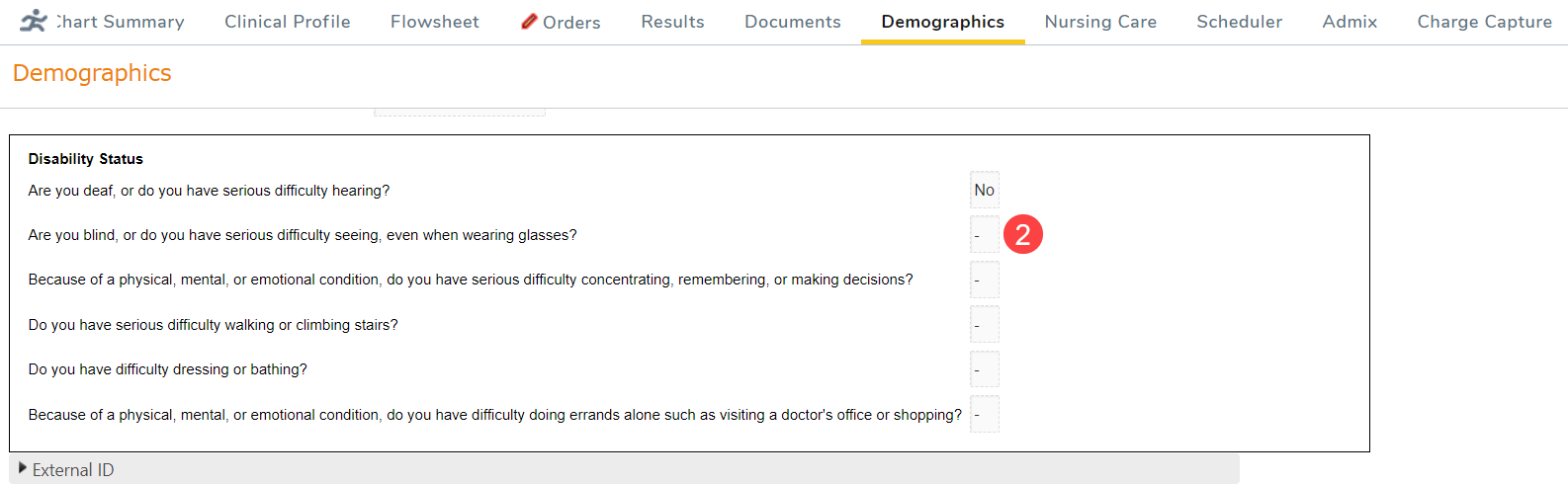
- Answers are viewable from the Patient Information area and can be edited as often as needed.
- Questions that have not been answered will show a blank drop-down (callout 2).