Continued enhancements to simplify messaging Copied
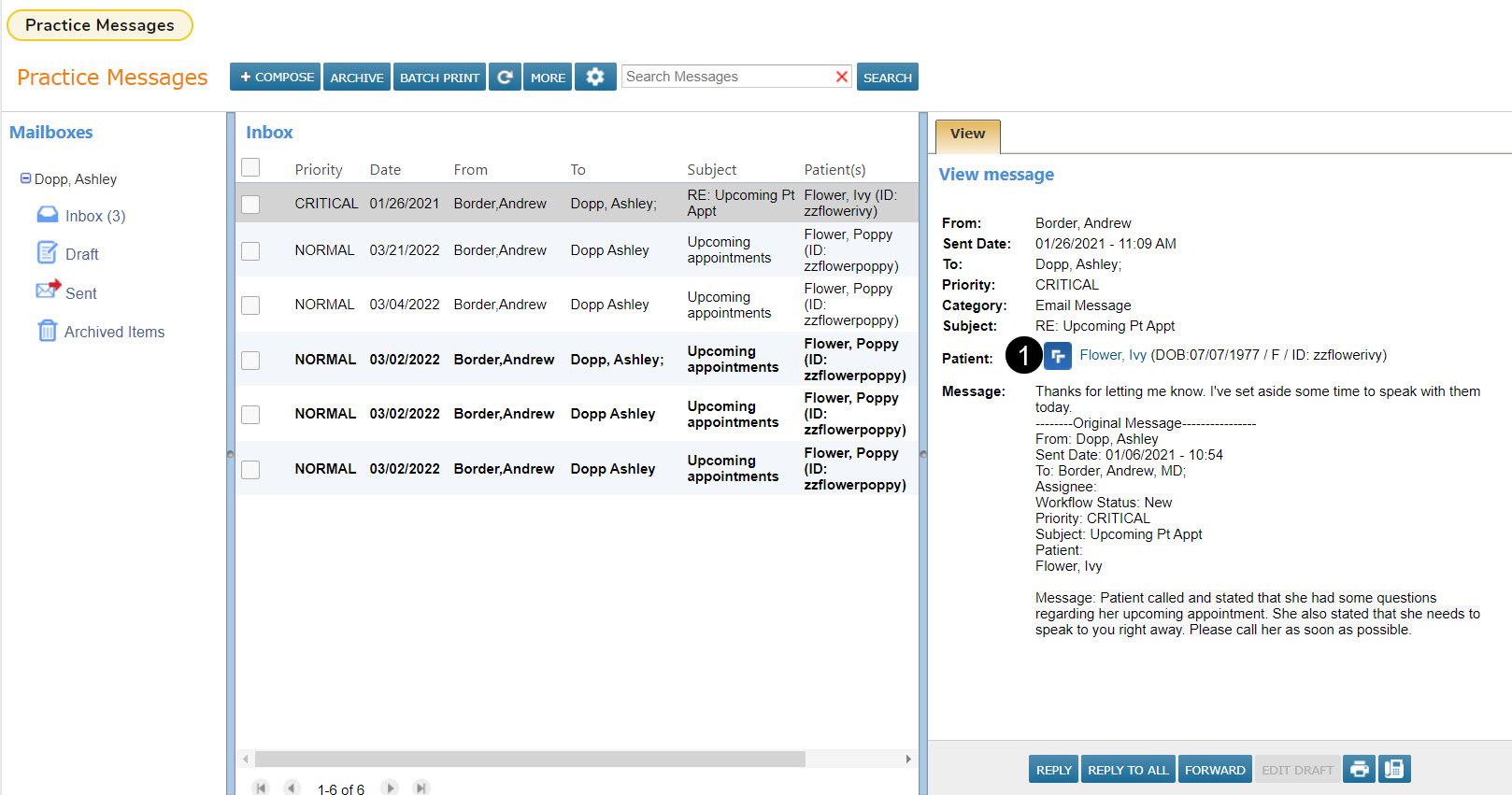
We added a new icon to the left of the patient’s name in the Message Center (callout 1). Selecting this icon will route users directly to the Messages tab inside the patient’s chart with the selected message in view. Users must have access to the Messages tab inside patient charts to use this feature.
NOTE: While this new icon will also appear in messages opened from the Interval Summary, it is not yet active and will not open the Messages tab inside the patient chart. This icon will be activated in a future release.
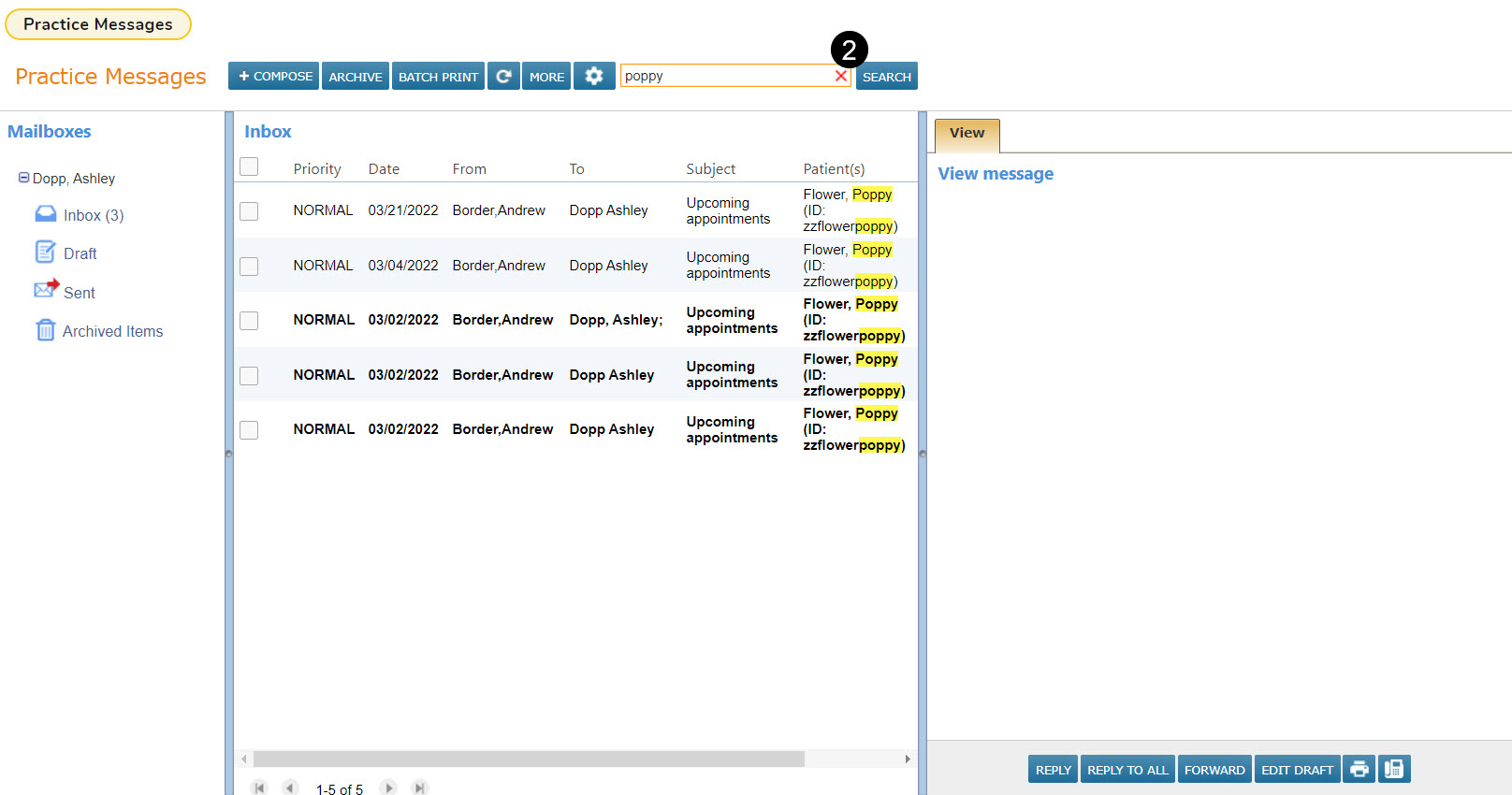
We also added a Search box in the Message Center (callout 2) that allows users to search their Inbox, Sent, Draft, and Archived folders. Users can enter search terms into the box, click their Enter button or select the Search or refresh buttons, and the system will search for the documented entry in the From, To, Subject, and Patient(s) columns.
NOTE: You must clear the search field to return to your full messages folder.