“Batch” select all patient data to transfer from one provider to another in USQ Copied
When reviewing the Unified Sign Queue (USQ), some providers find patients mistakenly assigned to them for review.
Prior to this release, this data needed to be moved individually to the appropriate provider. Now, all items for a patient can be moved to the correct provider at once – saving time and clicks.
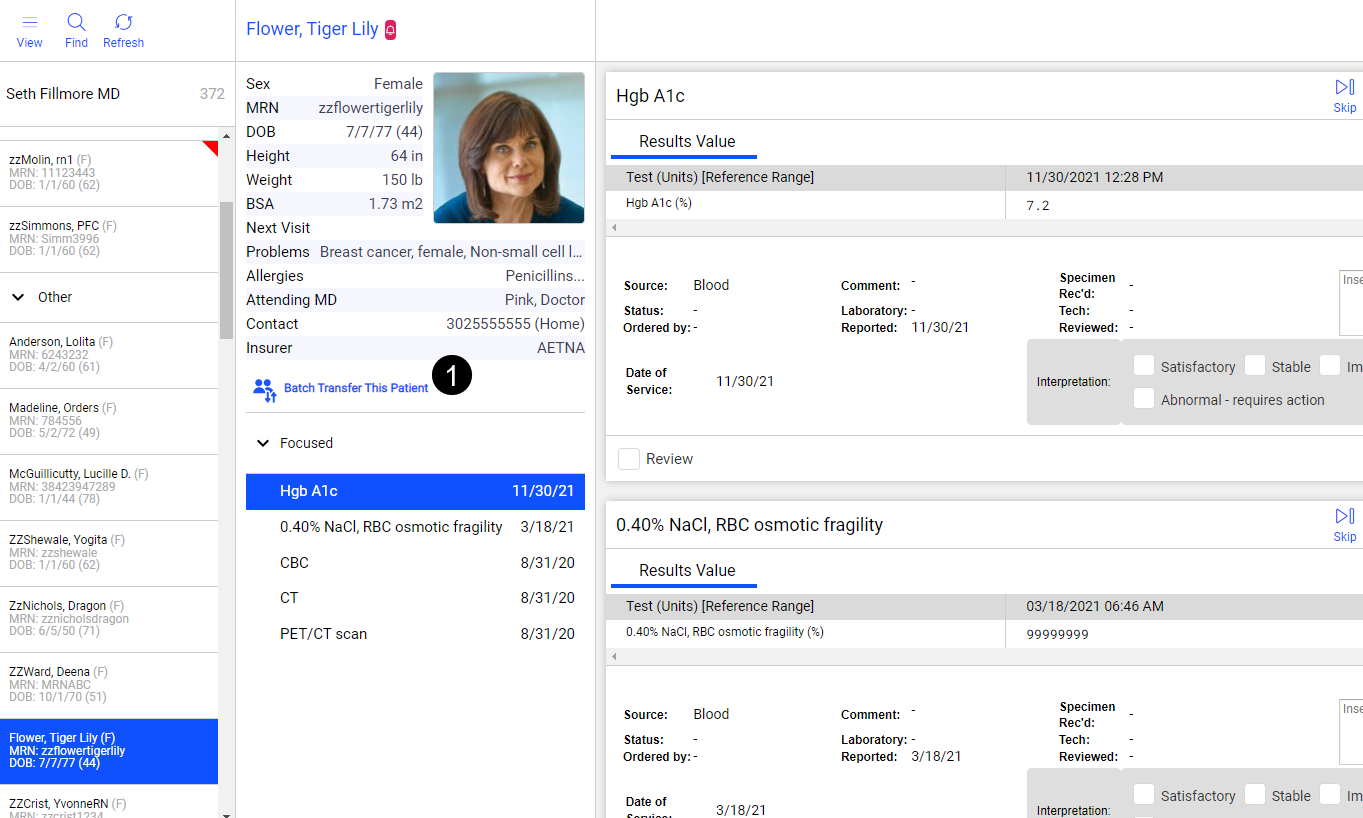
Select a patient in the queue and click Batch Transfer This Patient in the middle panel to initiate the process (see callout 1).
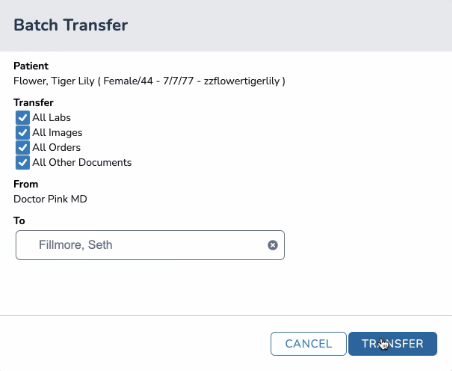
A dialog box will appear, allowing users to select which of the patients’ items to transfer, i.e., all labs, images, orders, or other documents, as well as which provider should receive the transfer (see image below).
Clicking the TRANSFER button sends these items to the selected provider’s queue.