
Appointment reschedules via SMS Copied
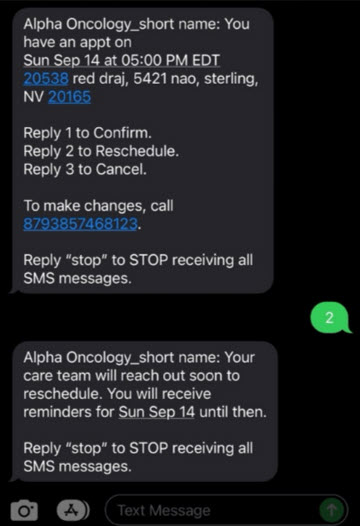
If a patient cannot make an appointment, they can reply to the SMS reminder with ‘2’ to reschedule.
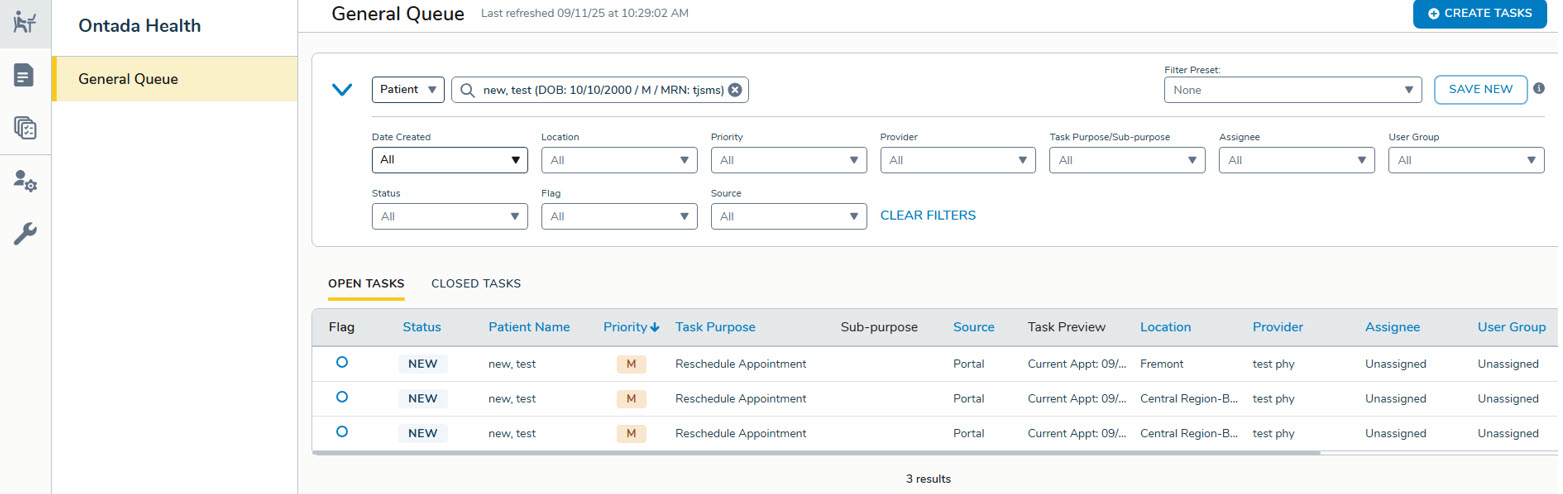
A rescheduling task is created in the General Queue so your staff can be alerted that they must contact the patient to arrange a new appointment.
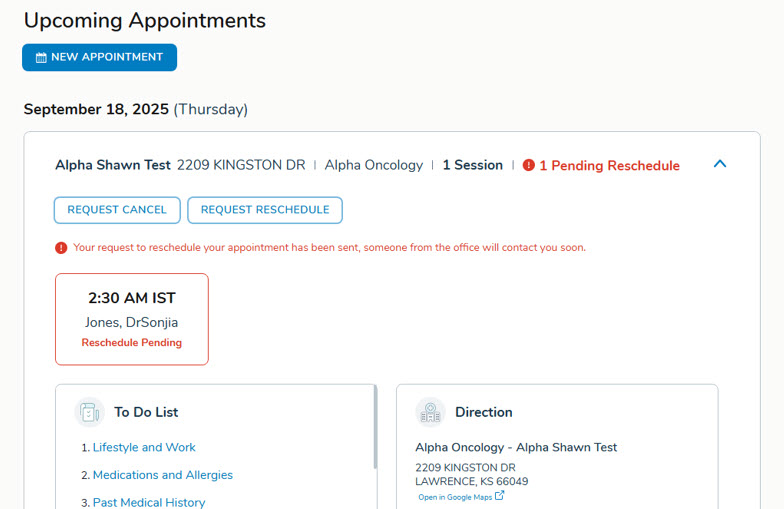
In the patient portal, the affected appointment is highlighted in red and marked as pending with the message: Your request to reschedule your appointment has been sent. Someone from the office will contact you soon. Once the task is completed, the pending status is automatically cleared.
Related Articles: