
Clearer Messaging States on the Messages Page Copied
The Messages page will include clearer guidance for patients and caregivers whether they have no messages, active conversations, or a closed conversation, so they always know what to expect and what to do next.
What’s changing
The Messages page has been updated to provide clear, context-appropriate messaging across all states:
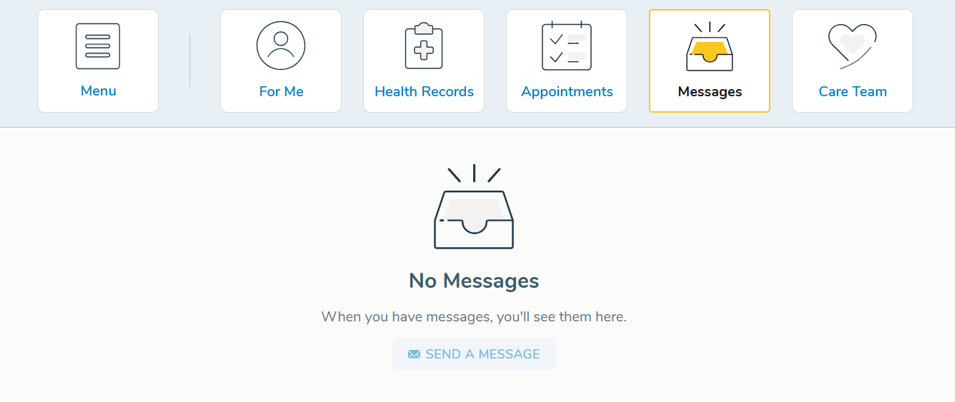
- No messages: The page will display a No Messages notice along with a brief explanation that any future messages will appear here.
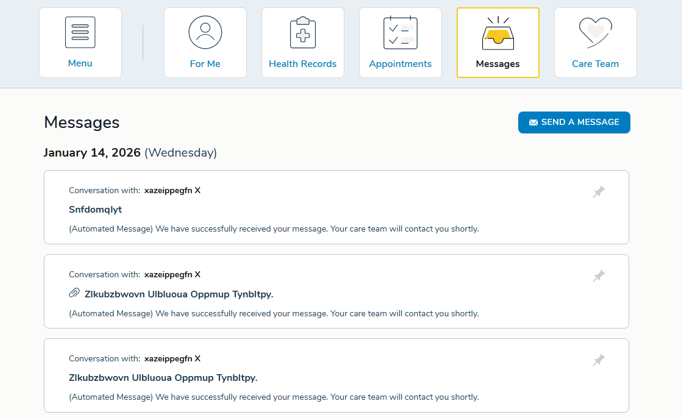
- Active messages: The page header has been renamed from Conversations to Messages, and a Send a Message button now appears at the top of the page so patients and caregivers can easily initiate a new message.
- Closed conversations: When a conversation is closed, an automated message will appear in the thread notifying the patient or caregiver that the conversation has been closed by their care team and prompting them to start a new one using the New Conversation
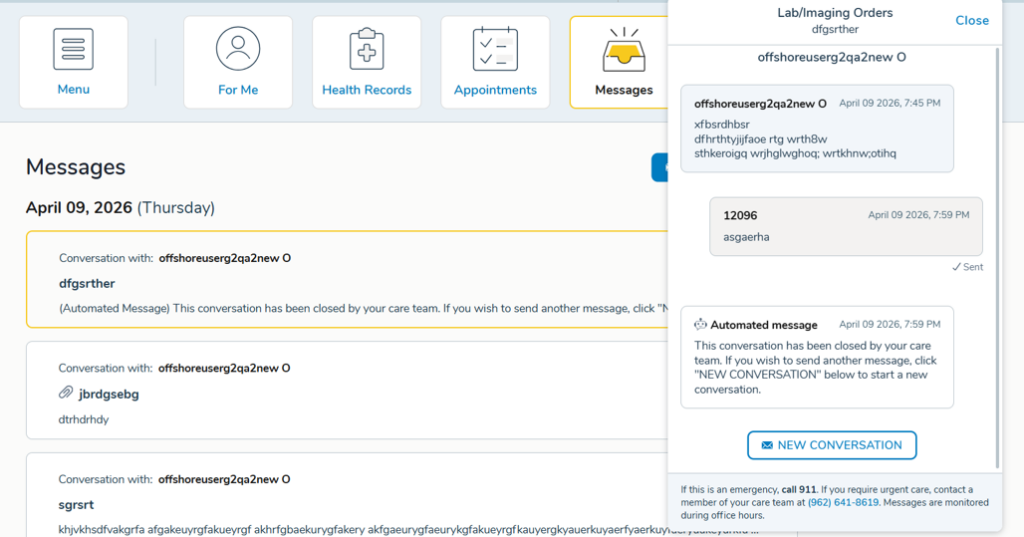
All updates apply to both the English and Spanish experiences.
Why this matters
These updates ensure that no matter where a patient or caregiver lands on the Messages page, they have the context and next steps they need to communicate effectively with their care team.