Help link added to patient experience Copied
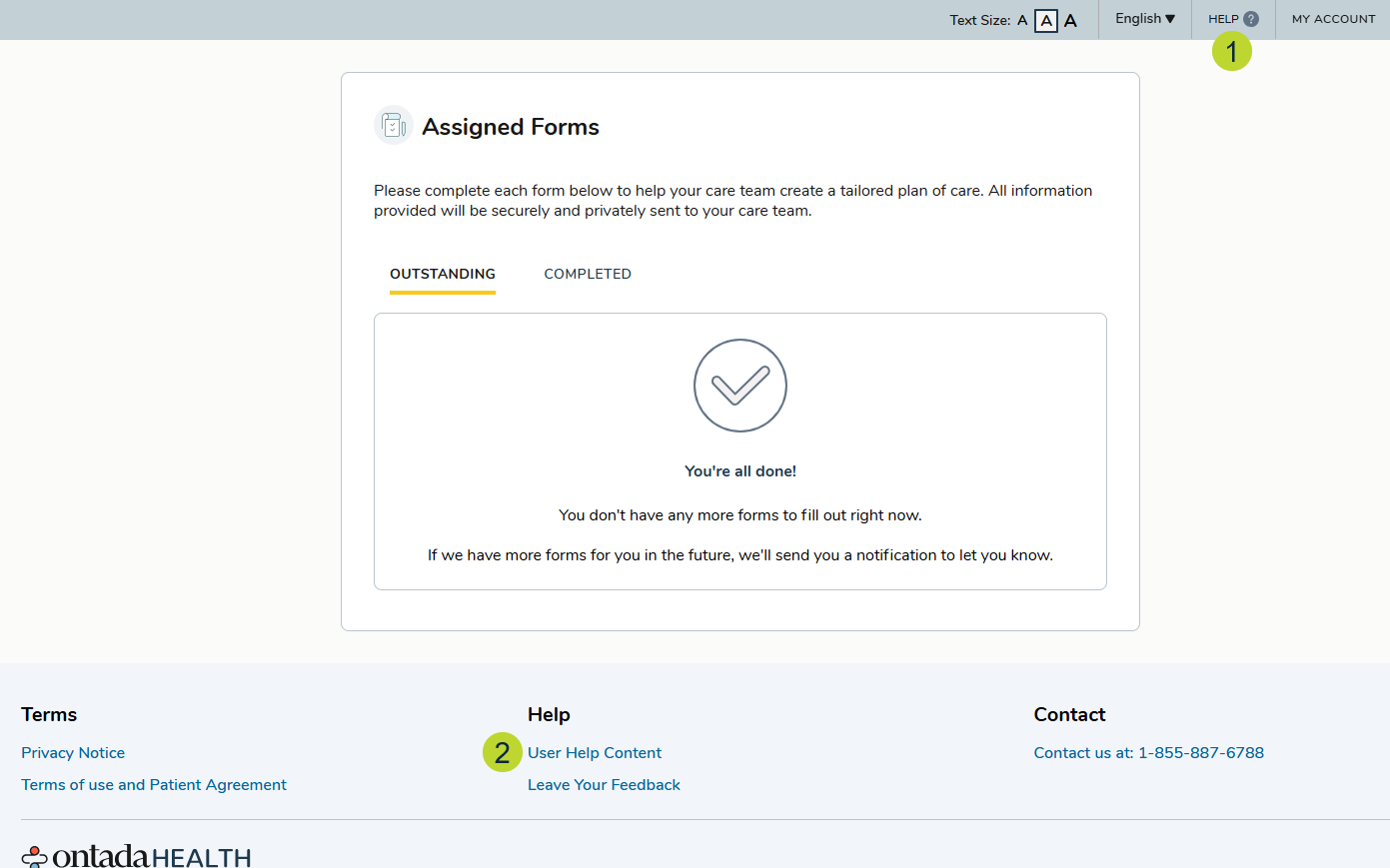
After successfully authenticating their identity and entering the e-Registration experience, users can access help through two options: a Help button located at the top of every page (callout 1) and a User Help Content link at the bottom (callout 2).
When patients click either of these options, they will be directed to our enhanced Help site at https://patientportal.help.ontada.com.
The Help site offers step-by-step instructions on accessing and using the e-Registration experience, a search field to quickly find relevant topics, and a menu for easy navigation to key help articles.