Self-Service Reports enhanced design Copied
We redesigned the self-service reports to improve navigation and make understanding and interacting with your data easier. These updates will help you better tailor reports to your needs and quickly interpret the results.
Key enhancements
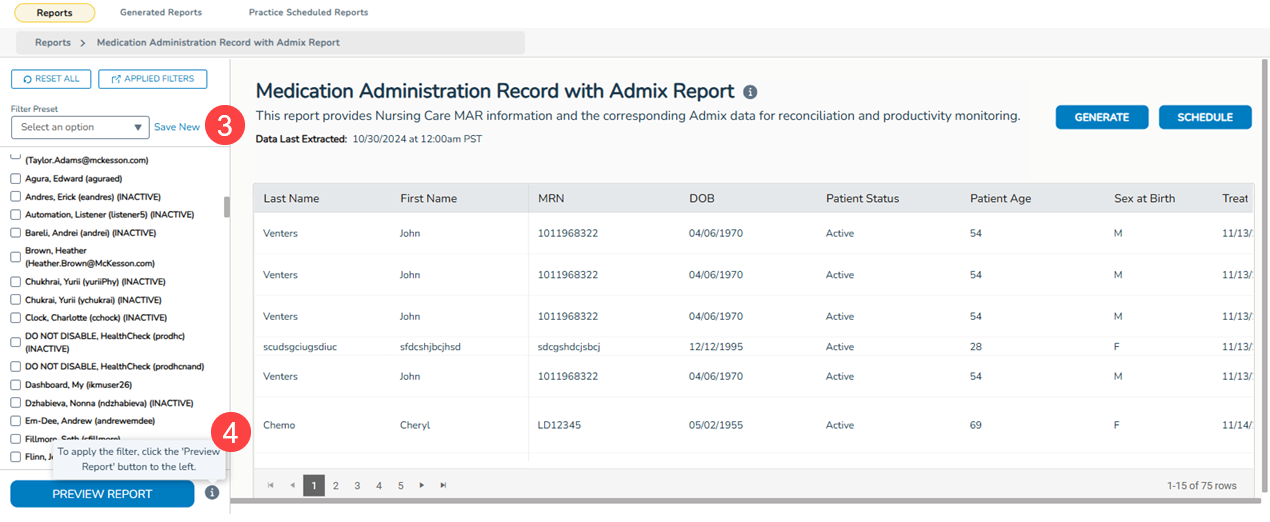
- Applied Filters Overview: Clicking the new “Applied Filters” button (callout 1) allows you to see and update/remove all filters in one place, giving you a clearer view of how data is segmented in the report (see callout 2 for example).
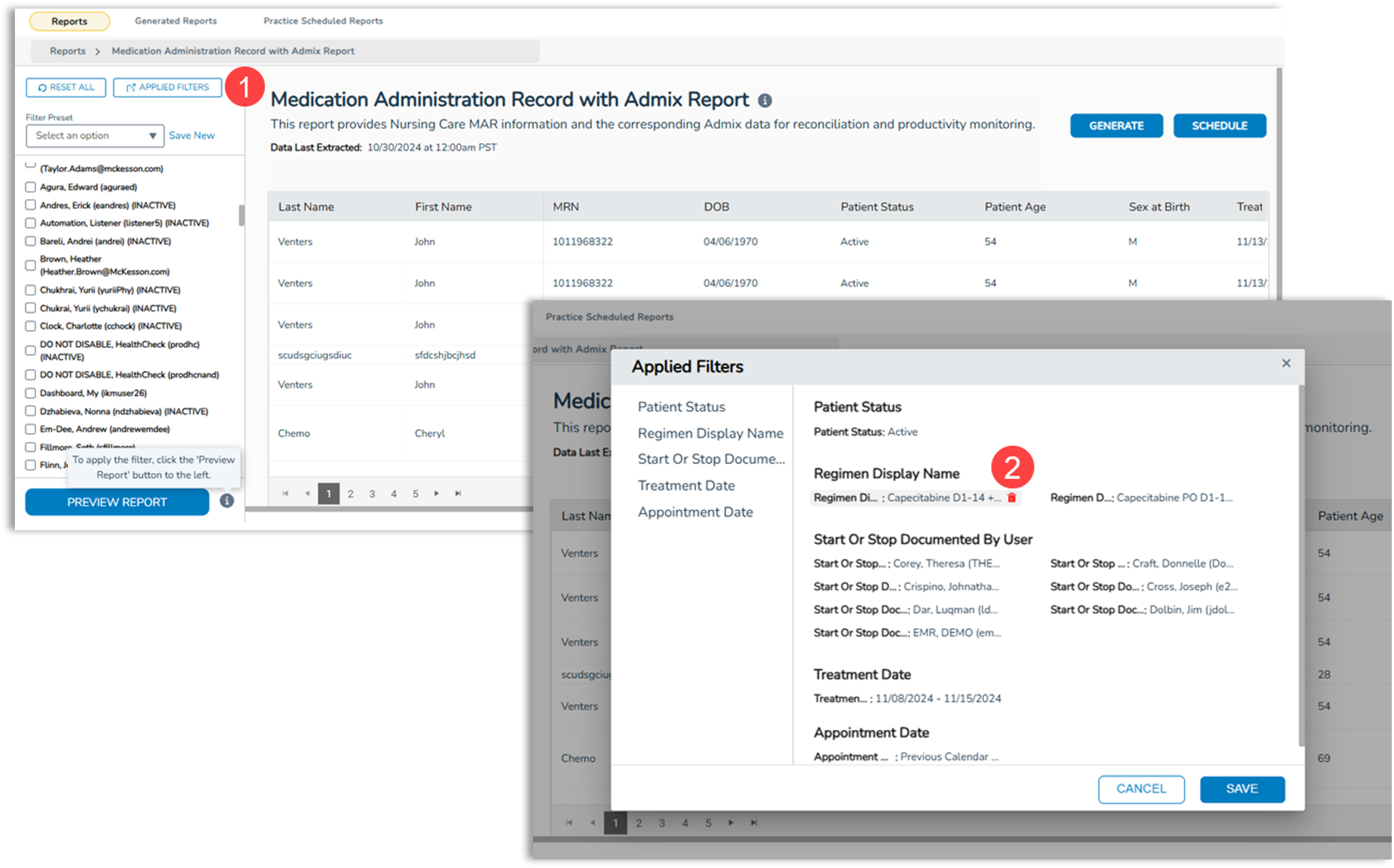
- Relocated Filters: The filter reset button, Filter Preset options, and all report filters have been moved to a dedicated left-side column, streamlining access and making adjustments more intuitive (callout 3).
- New Icons: Added icons provide direction and highlight data selection options, ensuring clarity and data accuracy (see callout 4 for example).
- Improve Visibility: Browse results more efficiently in a larger, cleaner space.