New General Queue Task Management Report Copied
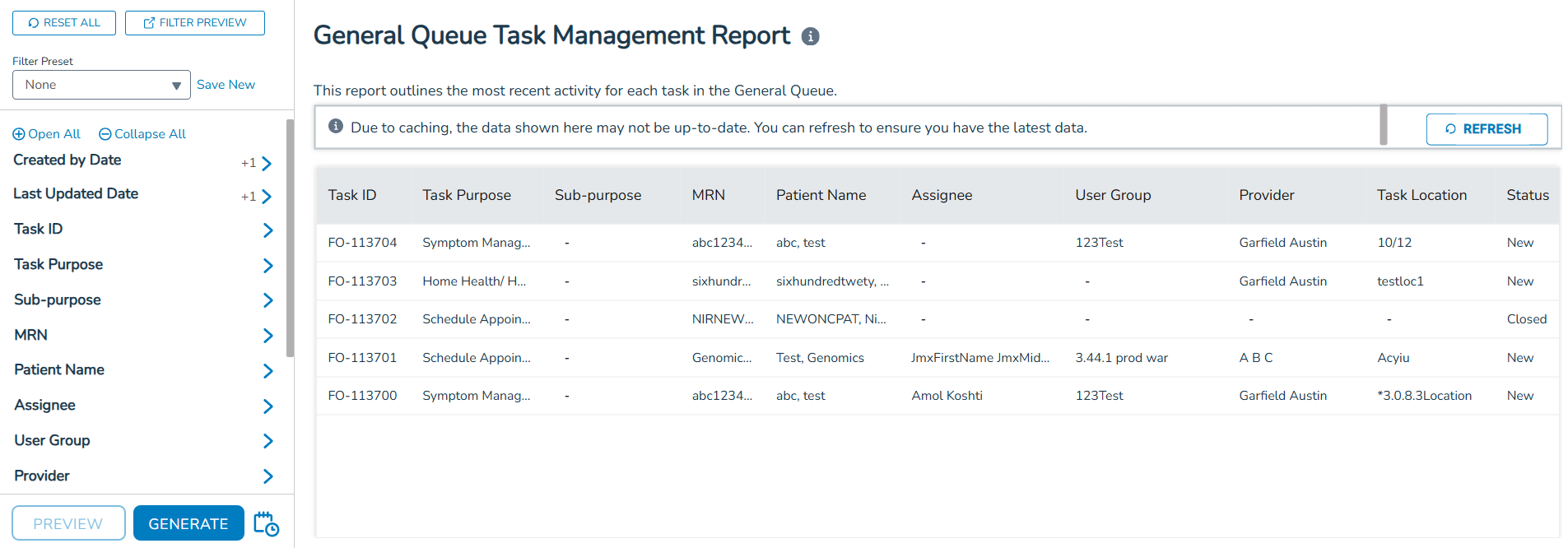
The new General Queue Task Management Report can help practice administrators monitor and manage large volumes of activity in the General Queue. The report provides a clear, filterable view of task details so practices can better track, troubleshoot, and optimize queue activity.
Key features
Comprehensive task data
View details such as Task ID, purpose, patient name, assignee, provider, location, status, priority, created/updated/closed dates, and more. Metrics include Initial Message Response Time and Total Time Task Open for closed tasks.
Flexible filtering and sorting
Filters are available for all columns, applied across the full dataset. Default preview shows the last 7 days of data (up to 1,000 lines), with the ability to drill down further using filters. Default sorting is by Last Updated Date (descending).
Streamlined interface
Report uses the new standard report format for consistency. Long data entries are automatically truncated for readability. Dynamic filters allow you to preview selections, save presets, and quickly adjust filters as needed.
Export & scheduling options
Click Generate to automatically create the report or use the Schedule option to run the report at regular intervals.